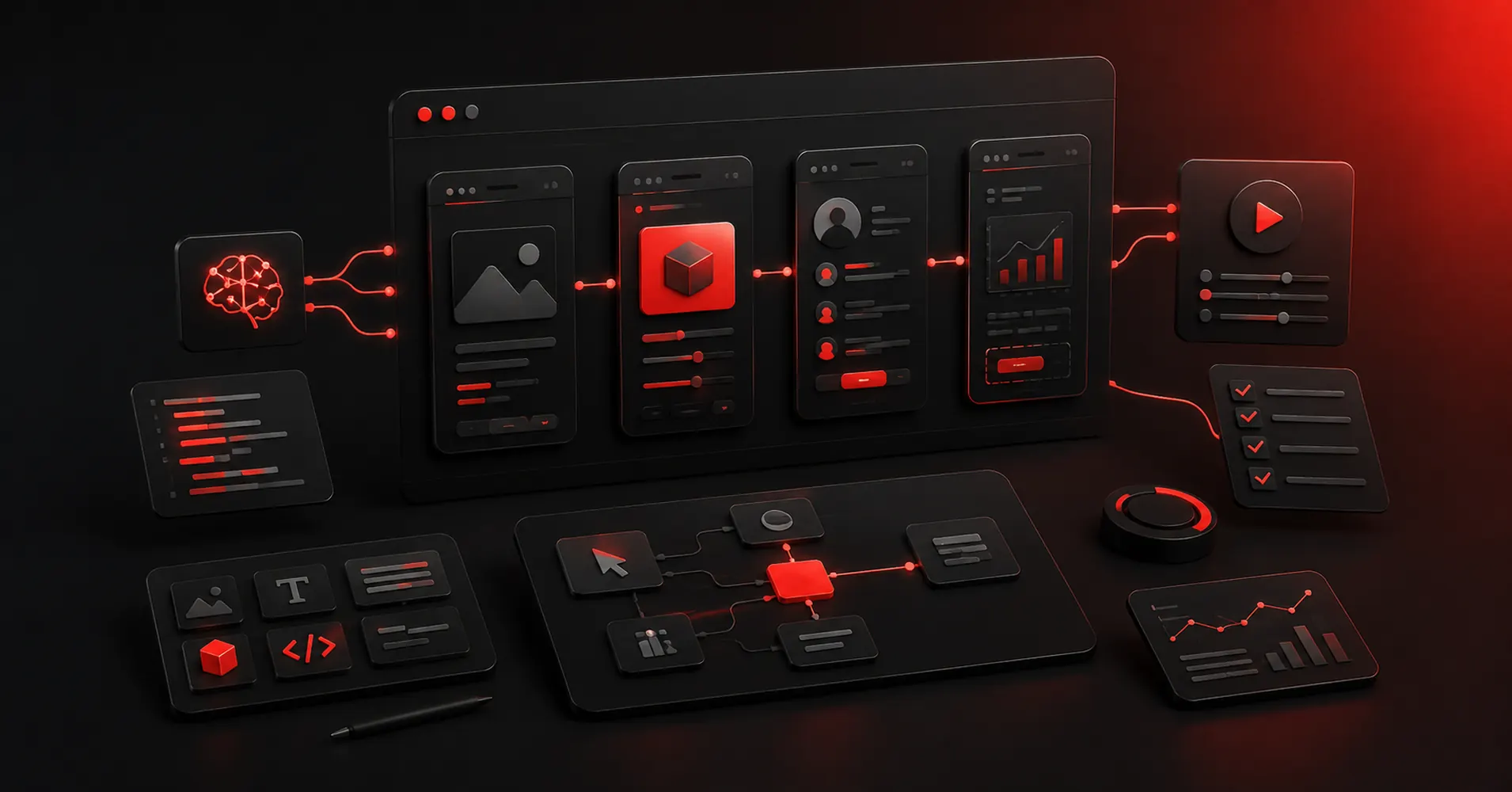
A prototype used to mean a clickable set of screens. In 2026, that definition is too small.
AI prototyping tools now span a full fidelity spectrum. At one end, they generate wireframes and flows for a product conversation. At the other, they generate working React interfaces, authentication, databases, and deployable applications. The best tool depends on what you need to learn from the prototype.
If you are testing navigation, do not overbuild a full-stack app. If you are testing whether a workflow actually works, static screens may not be enough.
Our top six:
- Figma Make — best overall for design teams
- Lovable — best for full-stack MVP prototypes
- v0 — best for code-first web UI prototypes
- Google Stitch — best for fast multi-screen UI exploration
- UX Pilot — best for UX-focused ideation and flows
- Relume — best for website sitemaps and wireframe prototypes
Figma’s own 2026 AI prototyping guide also separates tools by fidelity, which is the right way to evaluate this category.
1. Figma Make: Best Overall AI Prototyping Tool for Product Teams
Best for: Designers who want prompt-to-functional prototypes with existing Figma context
Figma Make can generate functional prototypes and web apps from prompts while accepting Figma designs and components as context. It supports publishing, Supabase-backed functionality, attachments, planning, and copying generated work back into editable Figma design layers.
The key advantage is continuity. A designer can start from an existing component library instead of asking an AI builder to invent a new visual language every time.
Best for testing: interactions, product concepts, design-system-aware flows.
Not ideal when: you want the prototype to become the production repository immediately.
Official: https://www.figma.com/make/
Related: Best Prototyping Tools — https://omnixstudio.co/blog/best-prototyping-tools
2. Lovable: Best for Full-Stack Prototypes
Best for: Founders and teams testing a product concept that needs real data, auth, APIs, or backend behavior
Lovable is useful when “clickable” is not enough. It can create working web applications through conversation, so a prototype can include application logic instead of only simulated transitions.
That is powerful for testing a SaaS workflow, marketplace concept, internal tool, or customer portal. Stakeholders can interact with something much closer to the intended product.
Best for testing: end-to-end workflows and MVP assumptions.
Not ideal when: you only need to validate information architecture or rough layout; building more can create false confidence and unnecessary complexity.
Official: https://lovable.dev/
Related: AI Frontend Tools — https://omnixstudio.co/blog/ai-frontend-tools
3. v0 by Vercel: Best for Code-First UI Prototypes
Best for: Technical product teams prototyping web interfaces in React/Next.js
v0 is strongest when the prototype should already speak the language of the implementation. Prompt an interface, iterate on the rendered result, and work with generated frontend code rather than translating a design-only prototype later.
This is especially useful for dashboards, admin tools, SaaS screens, forms, and component-rich web products.
Best for testing: real web UI behavior and component implementation.
Not ideal when: non-technical stakeholders need a traditional design canvas and collaborative UX documentation.
Official: https://v0.dev/
4. Google Stitch: Best for Fast Multi-Screen AI UI Prototyping
Best for: Exploring interface directions quickly before committing to a design system or codebase
Google Stitch is built around generating and iterating on UI. Its value is speed: start from intent, generate interface directions, connect screens into a flow, and move promising concepts toward Figma or frontend code.
That makes Stitch useful in the messy beginning of product work, when the team wants to compare several directions rather than polish one screen for hours.
Best for testing: screen structure, visual direction, multi-screen flows.
Not ideal when: you need a mature design-system source of truth or full application backend.
Official: https://stitch.withgoogle.com/
Related: Google Stitch Alternatives — https://omnixstudio.co/blog/google-stitch-alternatives
5. UX Pilot: Best for UX-Focused AI Prototyping
Best for: UX designers and product teams that want AI to assist with flows, wireframes, UI generation, and UX evaluation
UX Pilot is more focused on the UX process than the “build me an app” category. That makes it valuable when the purpose of the prototype is to reason about a user journey, explore a flow, or move from early wireframes toward higher-fidelity screens.
Best for testing: UX direction, flows, early interface decisions.
Not ideal when: you need production-ready frontend code as the main output.
Official: https://uxpilot.ai/
Related: Best AI UI Tools — https://omnixstudio.co/blog/best-ai-ui-tools
6. Relume: Best for Website Structure + Wireframe Prototypes
Best for: Agencies, freelancers, and web teams validating sitemap and page structure before visual design
Relume solves a narrower problem exceptionally well. Start with a website brief, generate a sitemap, turn that structure into wireframes, then move the work toward Figma or Webflow.
That is a better prototyping workflow for many marketing websites than jumping directly into polished UI. The prototype answers the important questions first: What pages exist? What sections belong on each page? Does the content hierarchy make sense?
Best for testing: website information architecture and page composition.
Not ideal when: you are prototyping complex application logic.
Official: https://www.relume.io/
Official video found: “Create a Wireframe With AI” by Relume — https://www.youtube.com/watch?v=HI38VkFJr0s
Related: Best Wireframing Tools — https://omnixstudio.co/blog/best-wireframing-tools
How to pick the right AI prototype fidelity
Use the cheapest prototype that can answer the question.
Need to test structure? Start with Relume, UX Pilot, or an AI wireframe generator. Need to test a product flow visually? Figma Make or Google Stitch. Need to test working frontend behavior? v0. Need to test a functional MVP with backend behavior? Lovable.
This also prevents a common AI prototyping mistake: generating so much polished output that the team starts defending the prototype instead of learning from it.
For rougher early-stage work, see Best AI Wireframe Generators: https://omnixstudio.co/blog/ai-wireframe-generator and Best AI Wireframing Tools: https://omnixstudio.co/blog/best-ai-wireframing-tools. For code handoff, continue to Best Design-to-Code Tools: https://omnixstudio.co/blog/best-design-to-code-tools.
FAQ
What is an AI prototyping tool?
It is software that uses generative AI to create or modify product prototypes from prompts, screenshots, design-system context, or other inputs. Depending on the tool, output can range from wireframes to working applications.
What is the best AI prototyping tool for designers?
Figma Make is the strongest all-around choice for teams already using Figma because generated prototypes can stay connected to existing designs and libraries.
What is the best AI prototyping tool for a startup MVP?
Lovable is a strong option when the prototype needs working application logic. v0 is better when the focus is a modern web frontend rather than a broader full-stack build.
What is the best AI tool for website wireframe prototypes?
Relume is particularly strong for generating website sitemaps and converting them into structured wireframes.
Leave a Reply